MRLuck Game Download Latest Version for Android & iOS
MRLuck is an online gaming platform designed for players who enjoy casino style games, quick rewards, and smooth performance. The app includes popular games such as Slots, Teen Patti, Rummy, Poker, and other entertainment-based options. It works on both Android and iOS devices, allowing players around the world to join and play anytime. MRLuck focuses on simple gameplay, fast loading times, and a clean interface so even beginners can enjoy the experience without confusion. Download it now by tapping button below.

Android
Download the Lates APK on Your Phone. Click below:
iOS
Play on your iPhone now. Click below:
Download the App via QR Code
If you prefer scanning, simply scan the QR code with your phone’s camera.
It will redirect you automatically to the official download page.
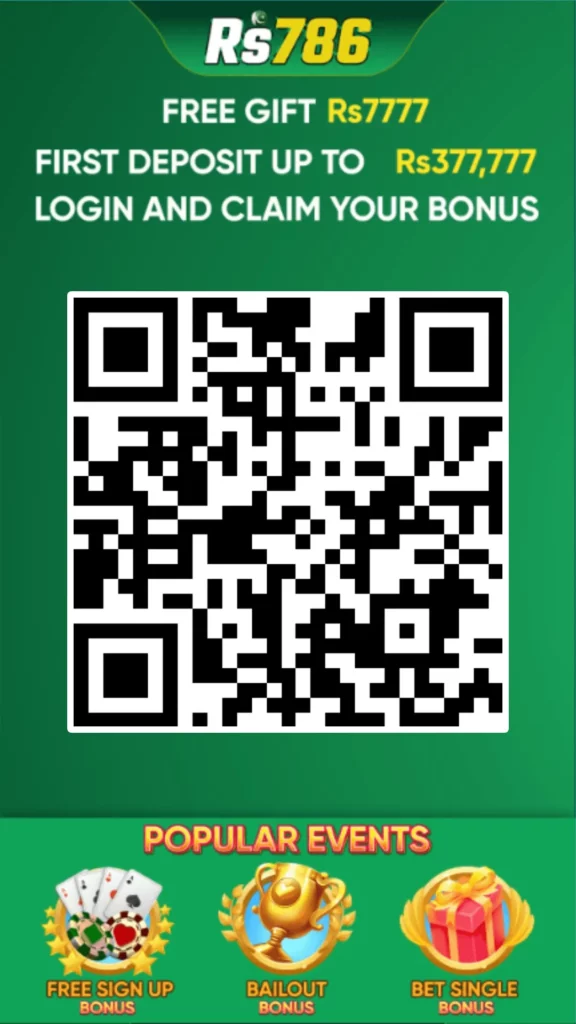
This page always provides the safe, latest, and official version of the MRLuck app. The download is free, but certain games inside the app may require deposits or in-game purchases depending on the activity.
MRLuck APK Download for Android
Since the Android version is available as an APK file, you will need to adjust a few settings before installing it.
Step 1: Allow Unknown Sources
Go to Settings → Security → Unknown Sources
Enable this option so your phone can install apps from outside the Play Store.
Step 2: Download the File
Tap the download button to save the latest MRLuck APK on your device.
Step 3: Open File Manager
Go to your Downloads folder to find the APK.
Step 4: Install the App
Tap the file and select Install when prompted.
Step 5: Allow Permissions
The app may request storage or network-related permissions. Approve them.
Step 6: Launch the Game
Once installed, the MRLuck icon will appear on your home screen.Tap it to begin playing.

MRLuck for iOS
Step 1: Open the Official Website
Use your iPhone browser and visit the MRLuck homepage.
Step 2: Tap “Play on iPhone”
This button will take you to the iOS-compatible version of the platform.
Step 3: Start Playing
Depending on the version, you may be able to play directly without installing a full app.
How to Use MRLuck
After opening or installing the app, follow these steps:
1. Create an Account
Sign up using your basic details.
2. Log In
Enter your username and password to access the platform.
3. Explore Games
Browse Slots, Cards, Casual Games, Teen Patti, Poker, and many others.
4. Check Bonuses & Offers
Many versions of the app include welcome bonuses, daily spins, and reward-based activities.
5. Start Playing
Choose a game, learn the rules, and enjoy the experience.
Many games are skill-based or chance-based depending on the category.
6. Withdraw Winnings
If the app offers withdrawable balance, you can cash out depending on the payment methods supported in your region
Why Download MRLuck?
MRLuck is a popular choice for players because it offers:
- A large collection of casino-style and casual games
- Smooth graphics and fast performance
- Simple controls suitable for new players
- Bonus offers and daily rewards
- Safe and secure login system
- Regular updates with new game features
MRLuck is designed for entertainment and provides an engaging experience for players who enjoy online card and slot-style games.